Login & Authentication
Access the LinQ Explorer (RWD) application by logging in with your credentials. If you don't have an account yet, you can sign up using the sign up button on the login page.
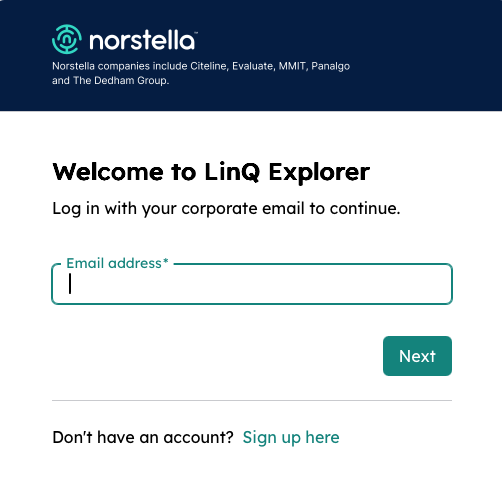
Signing In
To access the application, enter your username and password on the login page. Once authenticated, you'll be redirected to the dashboard.
Sign Up
If you need to create a new account, click the "Sign up here" button on the login page to access the registration form.
Self-Registration Guide
New to Norstella LINQ RWD? Download our comprehensive self-registration guide that walks you through the complete registration process step by step. This guide includes:
- Account creation instructions
- Required information and credentials
- Verification process details
- Troubleshooting common registration issues
- Contact information for support
Tip: Keep this guide handy during your first login. It contains helpful screenshots and detailed explanations for each step of the registration process.